Let’s get you set up with a detailed guide on creating a Coursera account and grabbing those Coursera licenses from HEC… I’ll also explain why Coursera is awesome and why Mr. Sulman Shah, our teacher at The University of Haripur, wants us to do this…
And Sorry that I am unable to make a video regarding this till now… Will shoot the video, edit it and publish it on my YouTube channel…
How to Create an Account on Coursera and Get Licenses from HEC
Why Use Coursera?
Coursera is like the Netflix of online learning, buddies… It has courses from top universities and companies around the world… You can learn anything from AI to arts, and get certificates that can boost your CV… Plus, it’s super flexible – you can learn at your own pace…
Mr. Sulman Shah, our teacher, has recommended using Coursera because it’s packed with high-quality content… It’s perfect for enhancing our skills and staying ahead in our studies… Now, let’s dive into the steps…
Step-by-Step Guide to Creating a Coursera Account
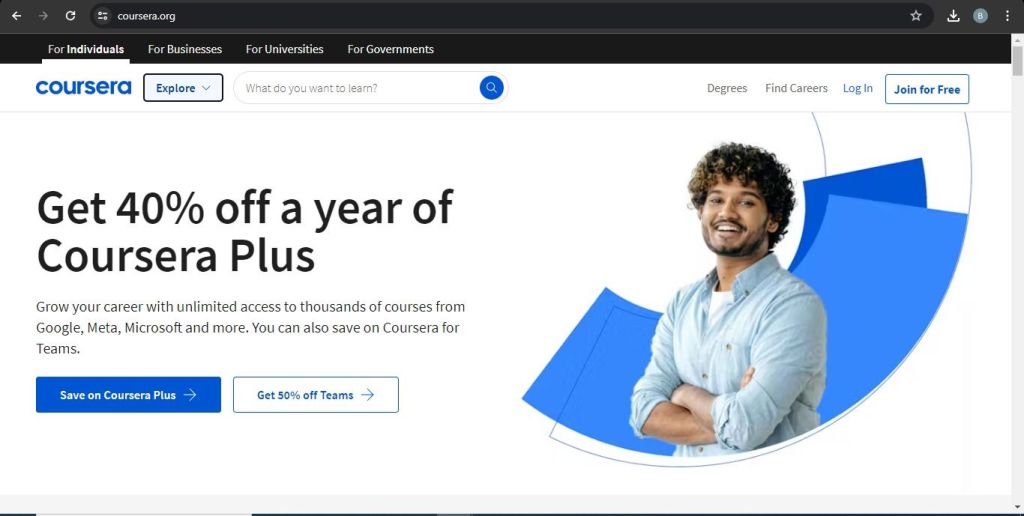
1. Visit Coursera’s Website
Open your browser and go to Coursera
2. Sign Up for a New Account
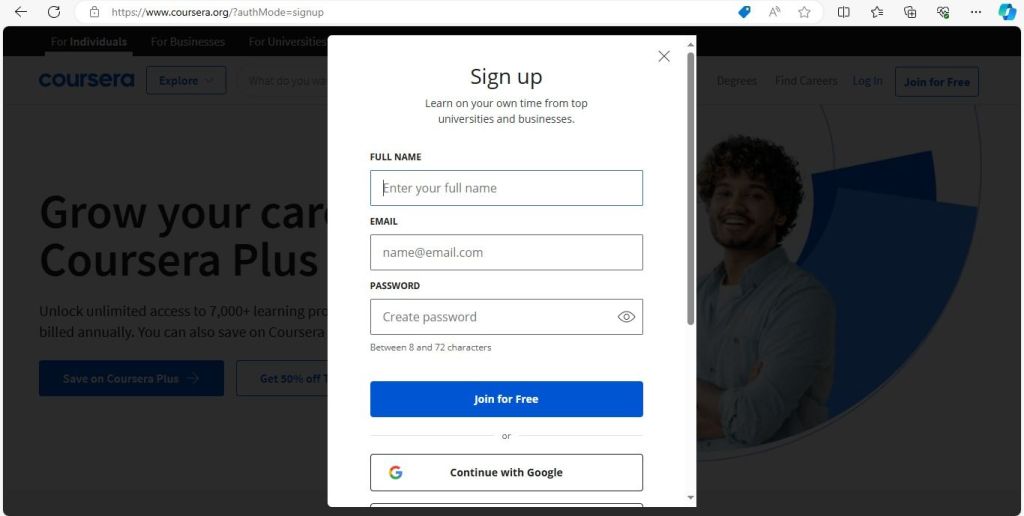
– Click on the “Join for Free” button at the top right corner…
– You can sign up using your Google account, Facebook, or email…
– Enter your details and create a password if you choose the email option…
3. Verify Your Email
Check your email for a verification message from Coursera… Click on the link to verify your email address…
4. Complete Your Profile
Add some details to your profile like your interests and career goals… This helps Coursera recommend courses tailored for you…
How to Get Coursera Licenses from HEC?
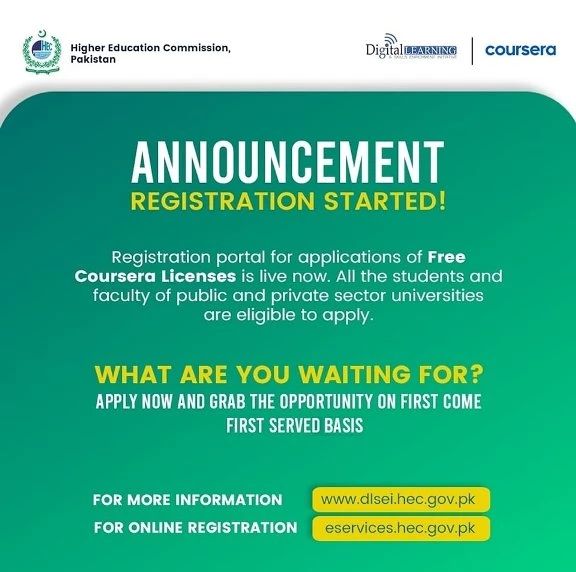
HEC (Higher Education Commission) has partnered with Coursera to provide free licenses to students… Here’s how you can get one:
1. Visit HEC’s Official Website
Go to HEC’s Coursera Initiative Page… Click this link for the application…
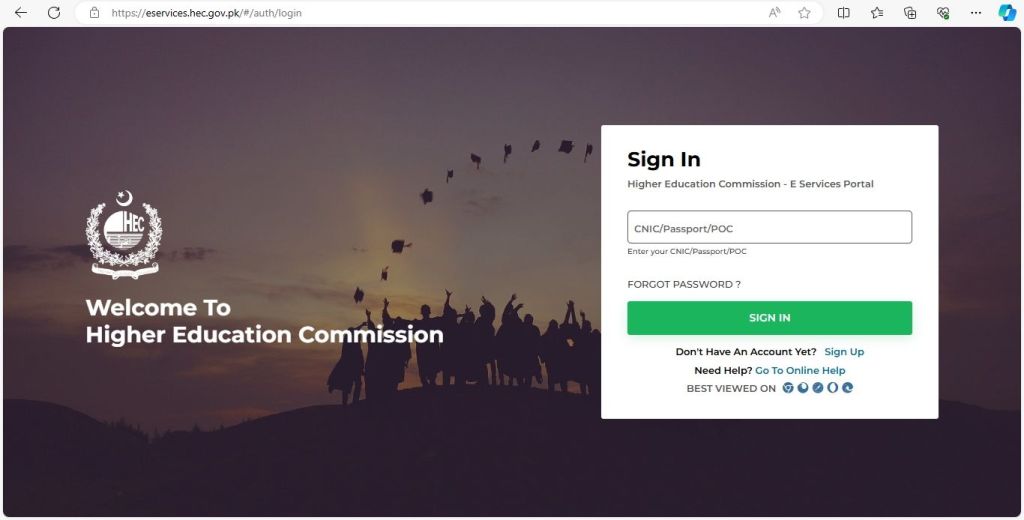
2. Login to Your HEC Account
– If you don’t have an account, you’ll need to create one… Click on “Sign Up” and fill in the necessary details…
– After logging in, navigate to the Coursera licenses section..
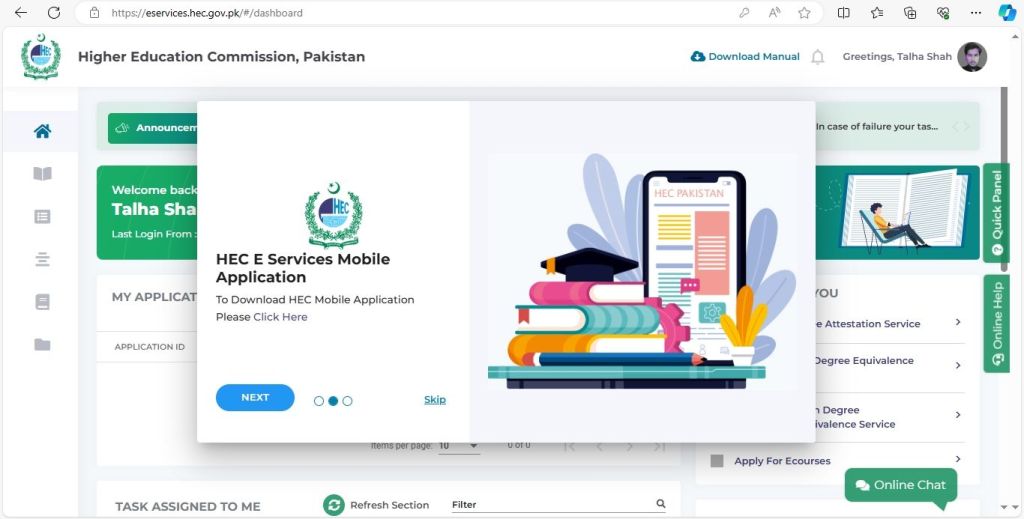
3. Apply for the License
– You’ll find a form to apply for a Coursera license… Fill it out with your details…
– Submit the form and wait for confirmation from HEC… This might take a few days, so be patient…
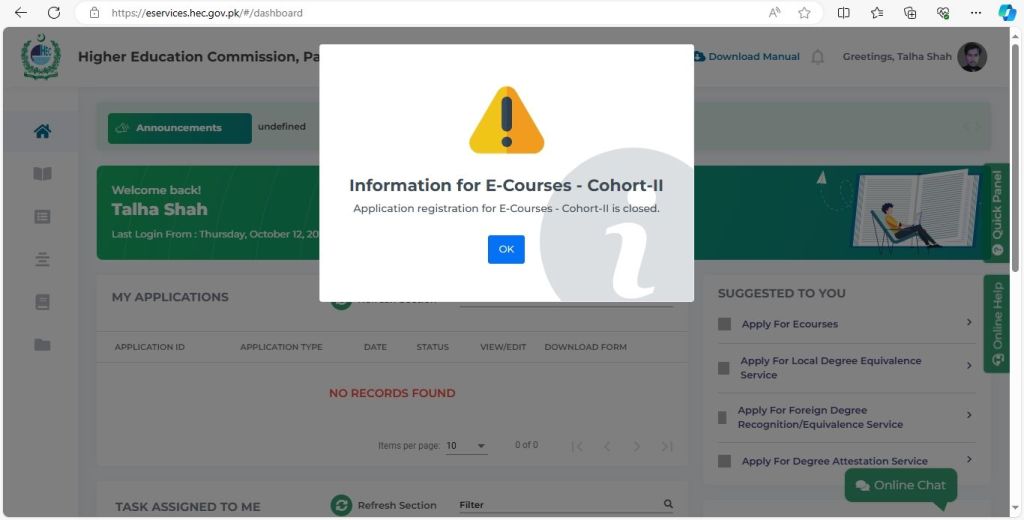
4. Receive Your License
Once approved, HEC will send you an email with instructions on how to activate your Coursera license…
Conclusion
Using Coursera, especially with the free licenses from HEC, is a game-changer… It provides access to a world of knowledge that can complement our university education… Mr. Sulman Shah knows the importance of these resources and that’s why he’s encouraging us to take advantage of this opportunity…
So, follow these steps and get started on Coursera today… Happy learning, buddies!
If you have any questions, just comment down… Sahi hai!
Connect with me on LinkedIn by clicking the link or Email me at ftata013@edu.xamk.fi for more information regarding anything…
Author: Talha Shah
Explore Other Resources..
Join the Women IT Team here to create connections with fellow learners… We are looking to create it now as you respond… LearnAI and Akhund Technologies are here to sponsor the individuals and provide them with valuable resources…
 LearnAI
Comment your thoughts! Connect with other members too…